One system for music teachers, studios and students. Teachers get more time to teach, studios run the whole team from one screen, and students and parents see progress every week.
For teachers who handle everything themselves. The system takes care of the timetable, lesson counts and collecting fees, so you can give students your full attention.
Private teachers
Teaching at home
Home visits
Online lessons
Private teacher · set up in about 5 minutes
What you get
No more counting lessonsTallying in a notebook
Check in once and the remaining lessons are counted, with a renewal prompt to parents near the end of a Course
No more chasing feesMessaging parents one by one
Bills per Course, payment links and receipts are issued for you, and money goes straight to your account
New students find youSending free slots as screenshots
A teacher page with live availability from your real timetable, so parents can book themselves
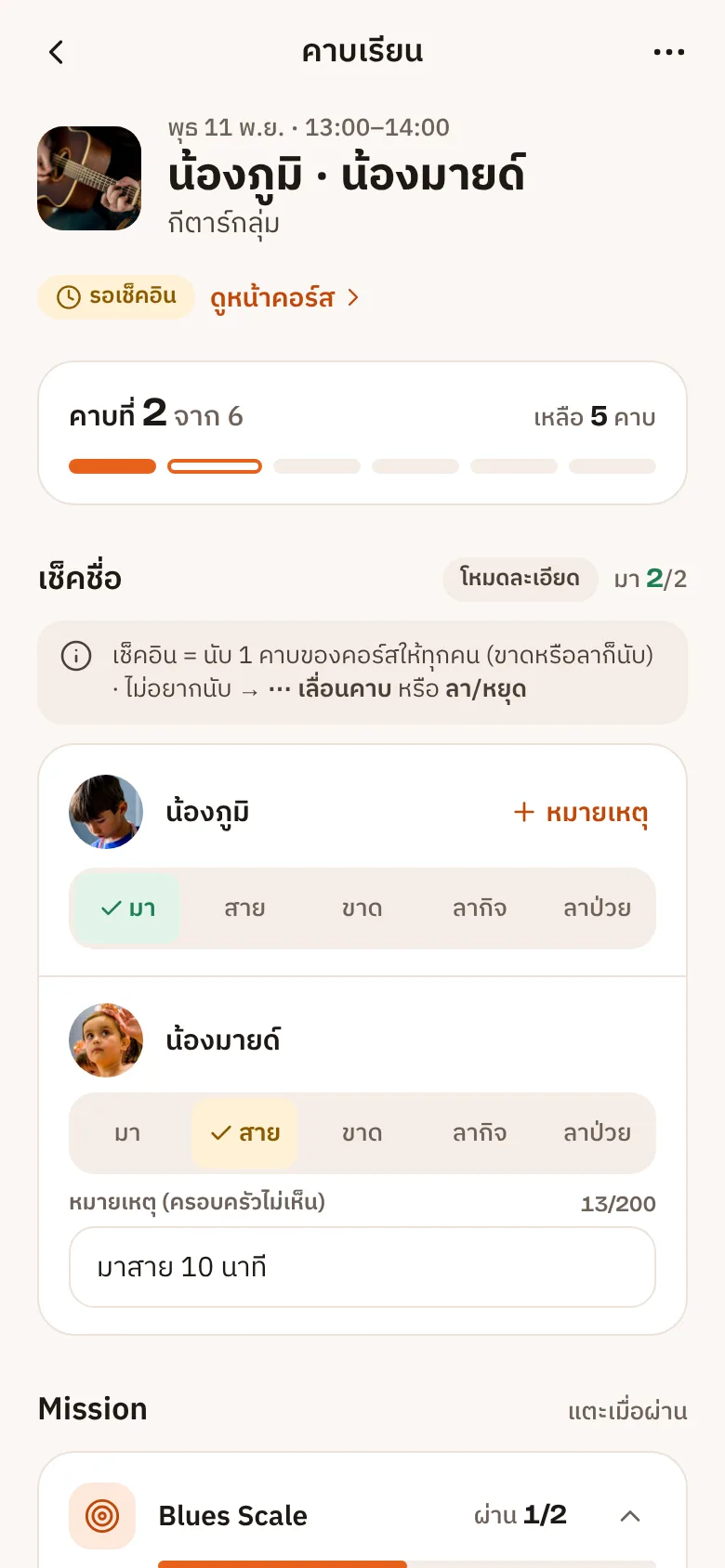
Schedule · Check-in
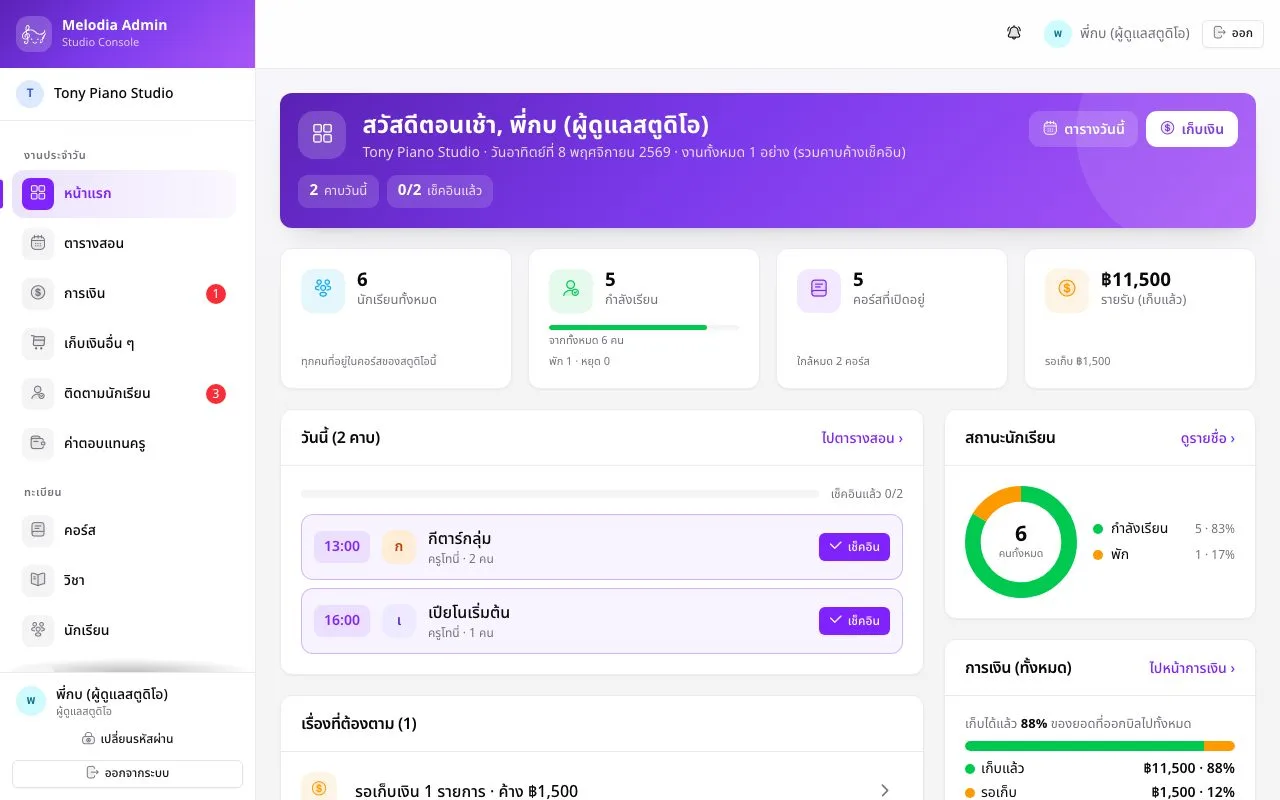
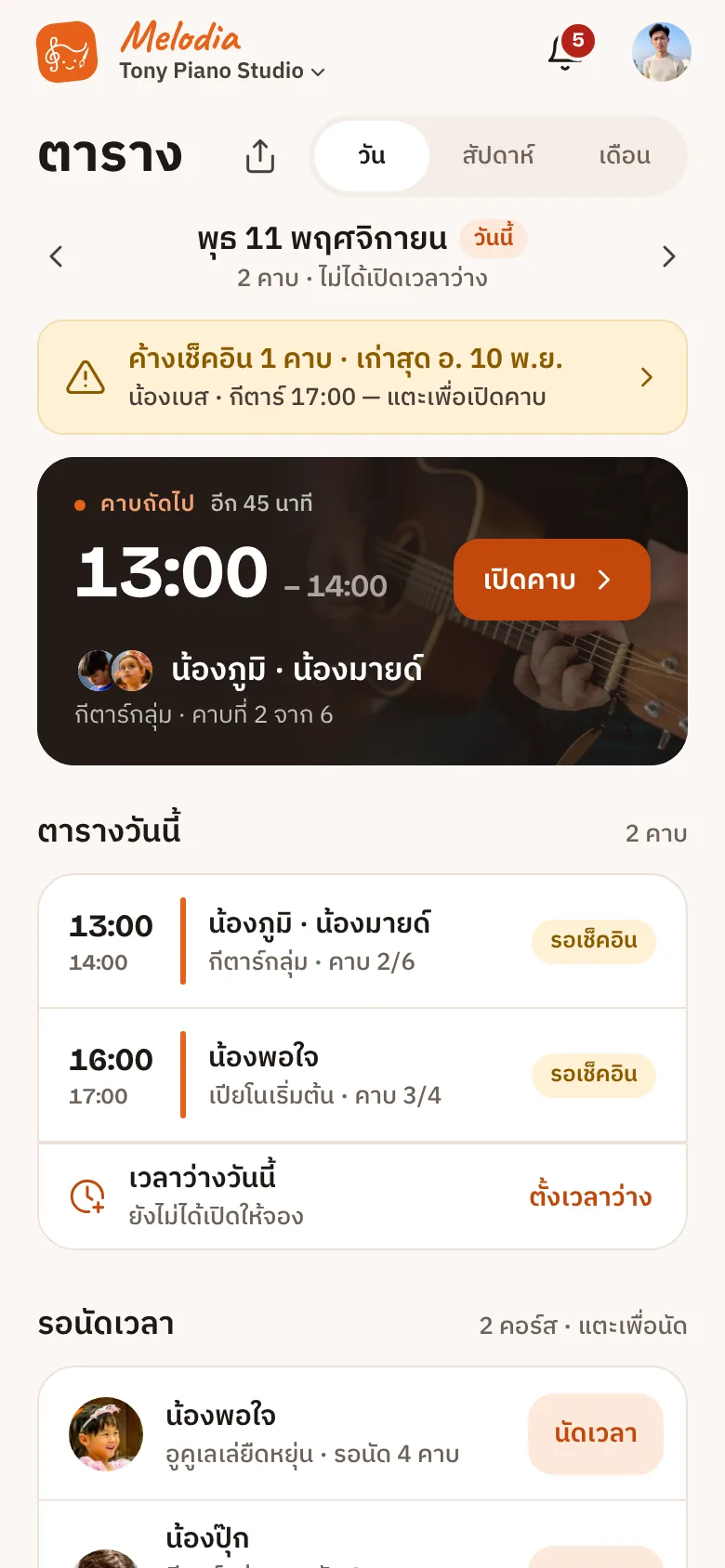
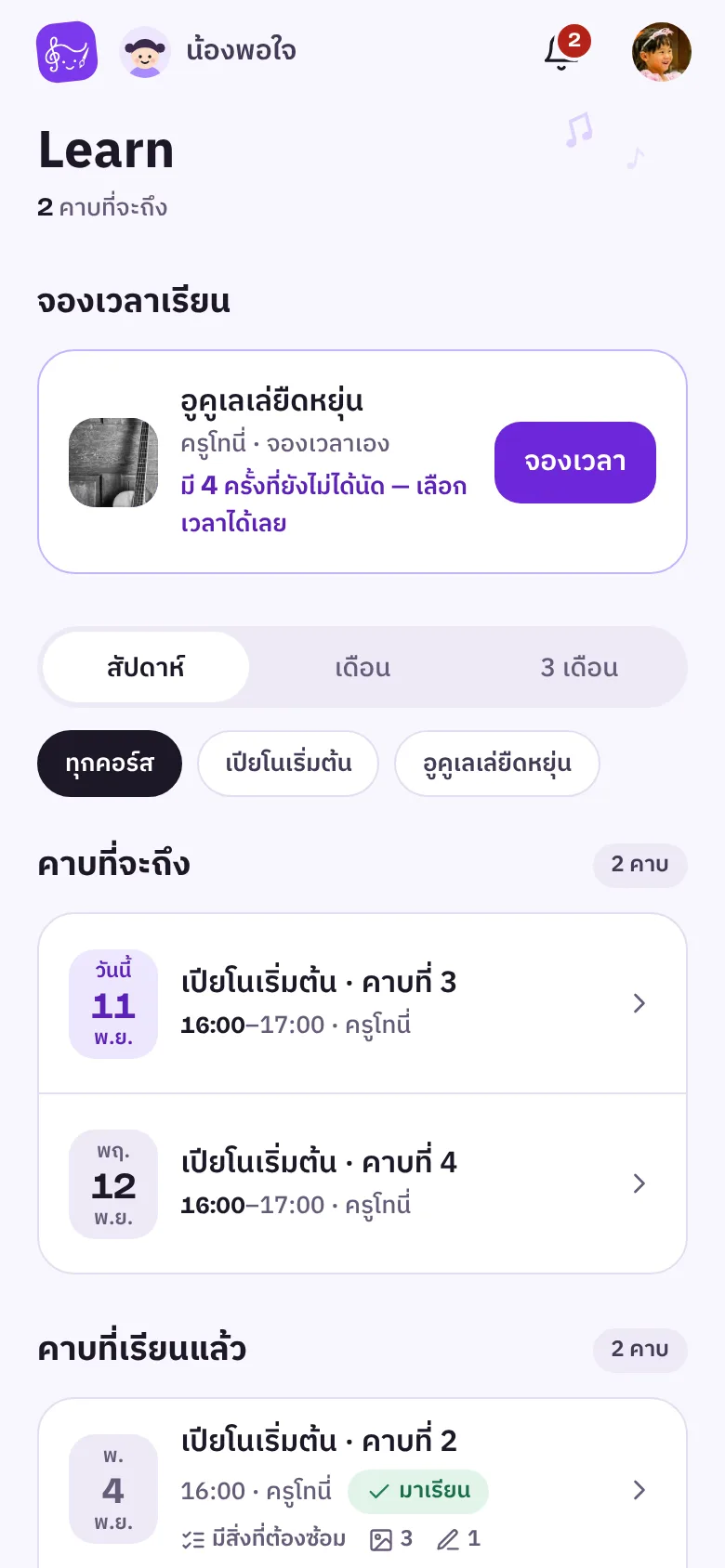
Your whole week on one screen
Open a Course once and every lesson is created ahead. Check in present, late, absent or on leave, and the remaining lessons are counted instantly.
Reschedule, excuse or cancel in one step
Fixed weekly slots, or let parents book their own time
Notifications in the app, by push and on LINE
Practice room
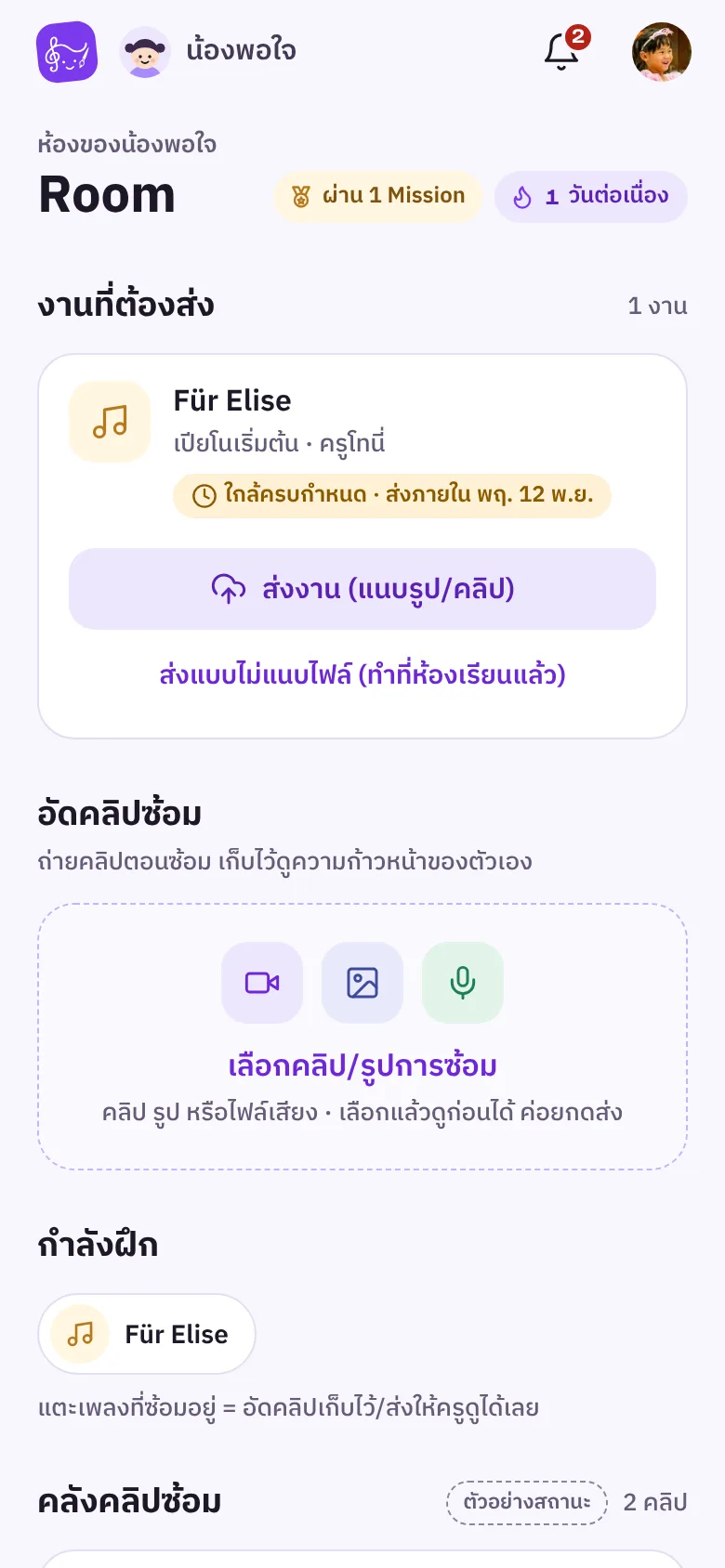
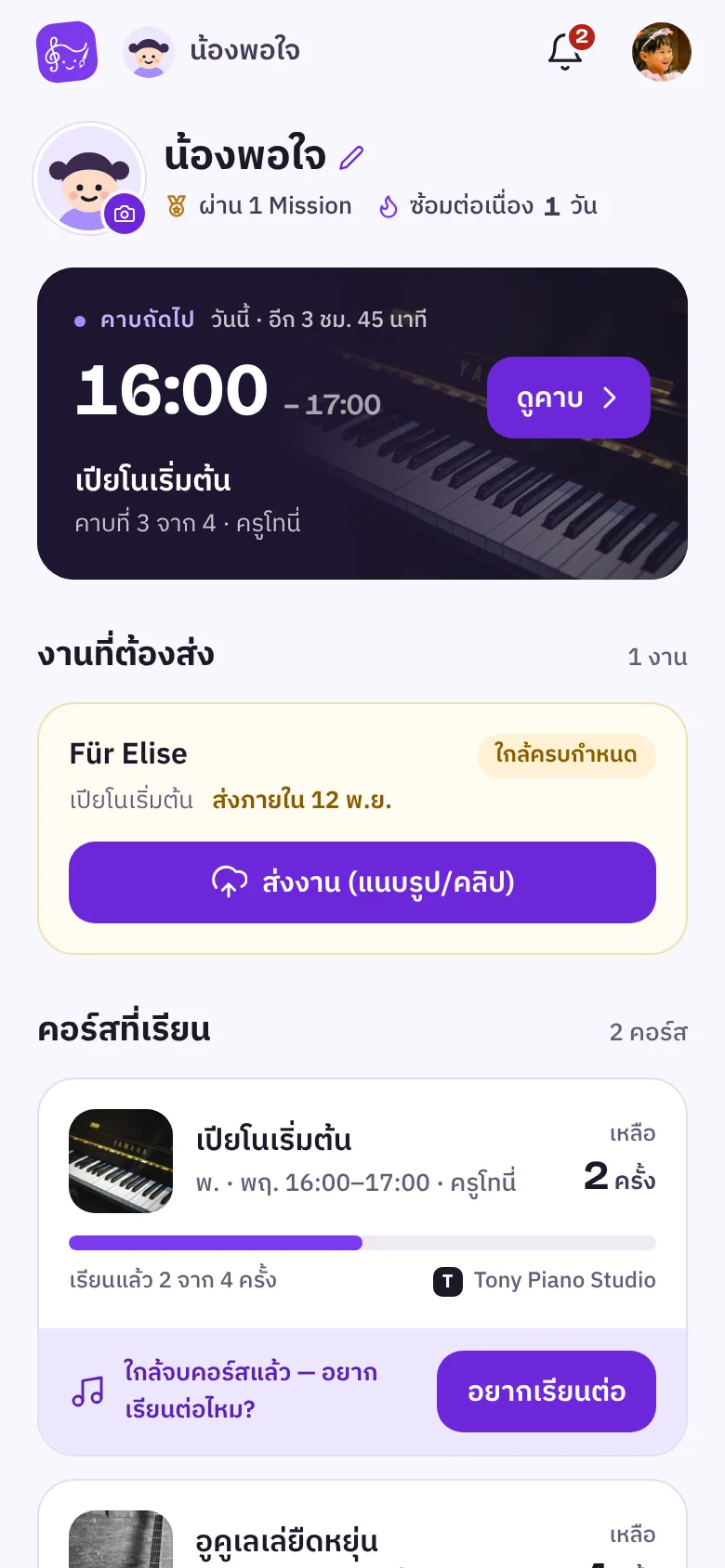
See practice at home
Students hand in clips and Missions, you reply and pick work for the Journey
Money
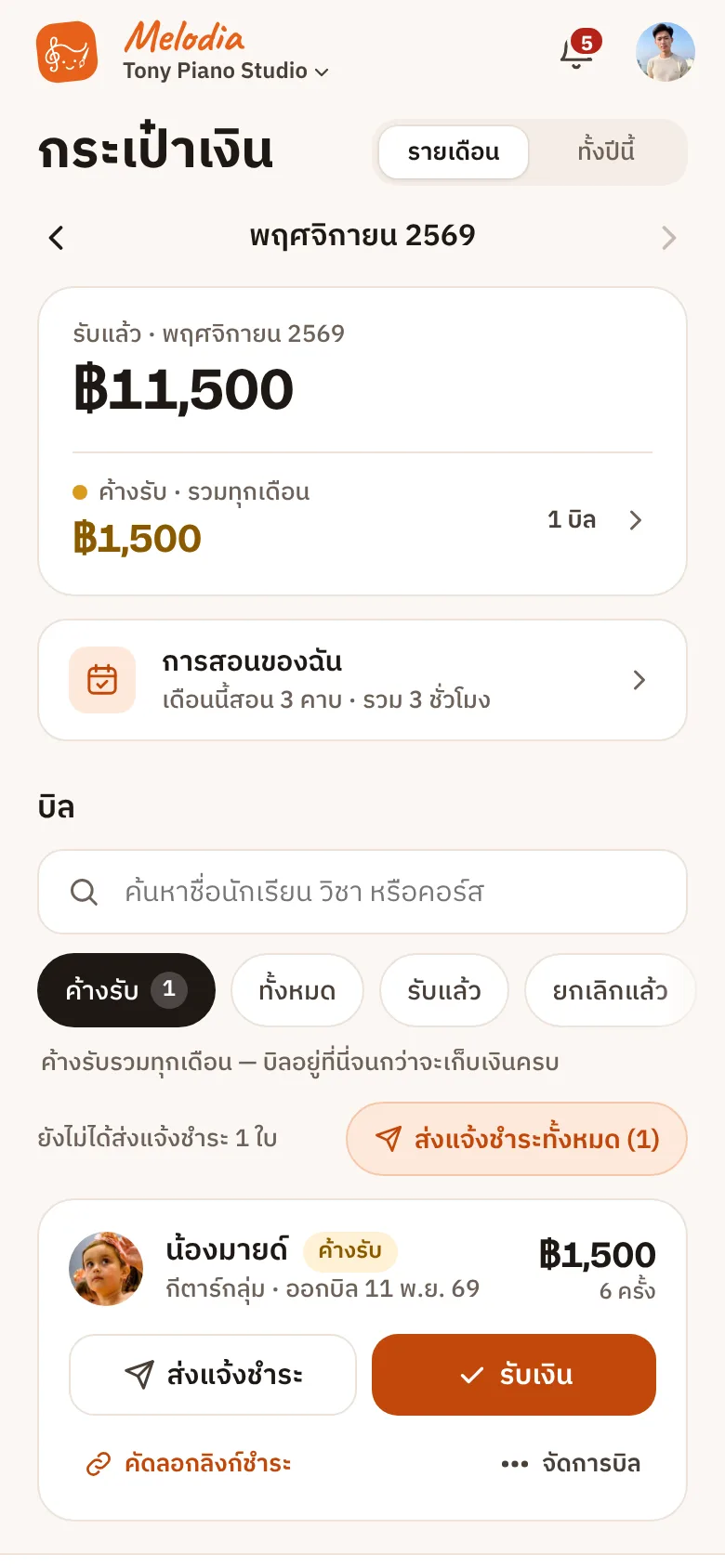
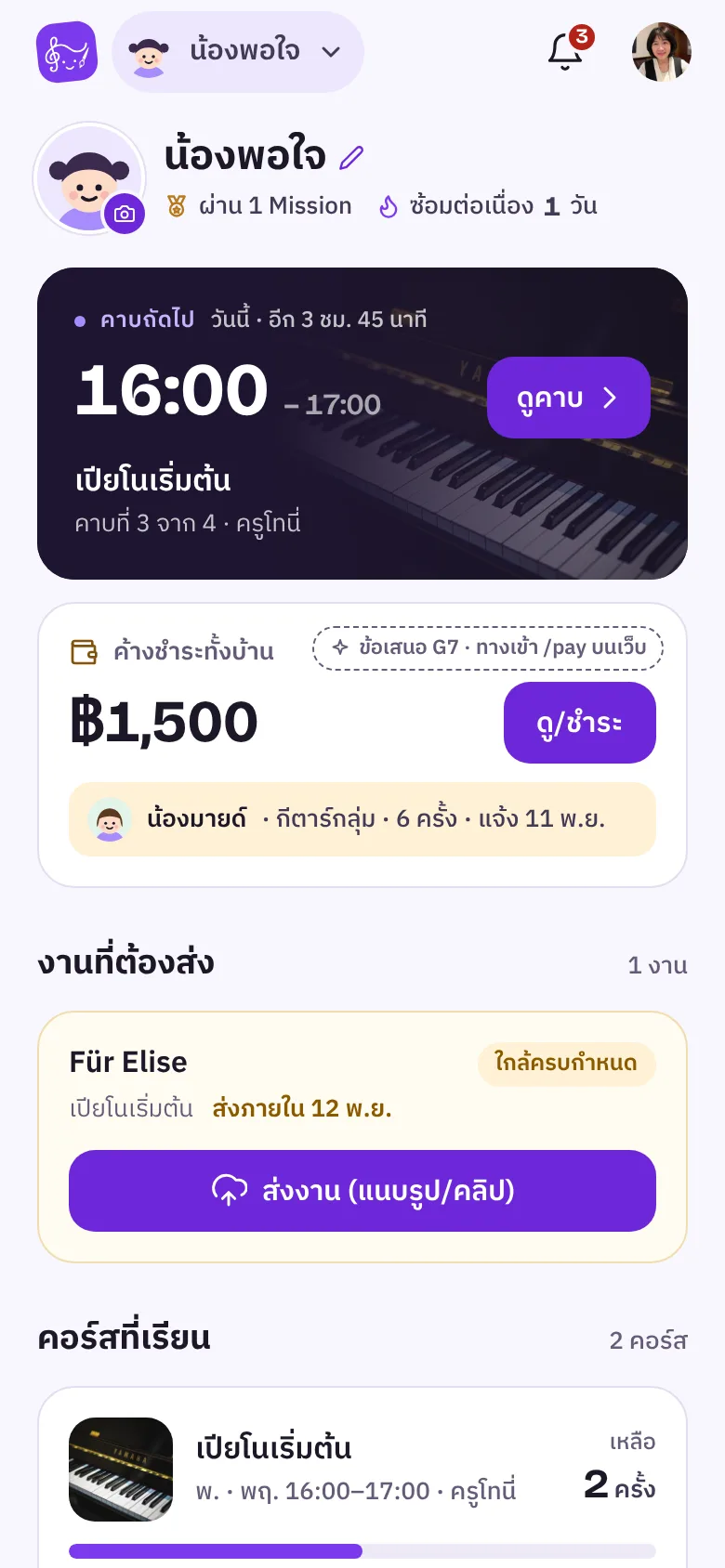
Bills and receipts, done for you
Monthly payment links and instant receipts. Melodia takes no cut
Teacher page
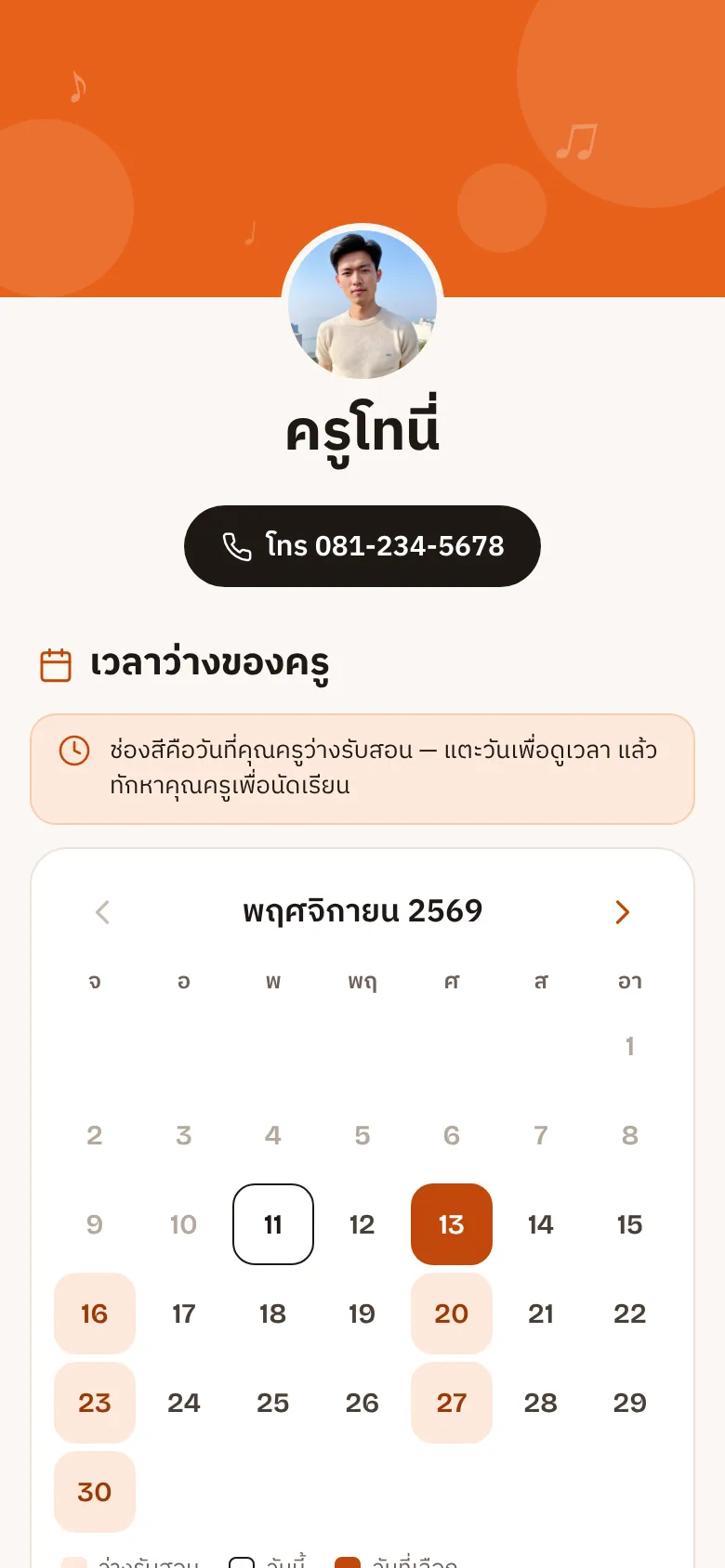
Share your teacher page with a link
Subjects you teach and availability from your real timetable, shared by link or QR code
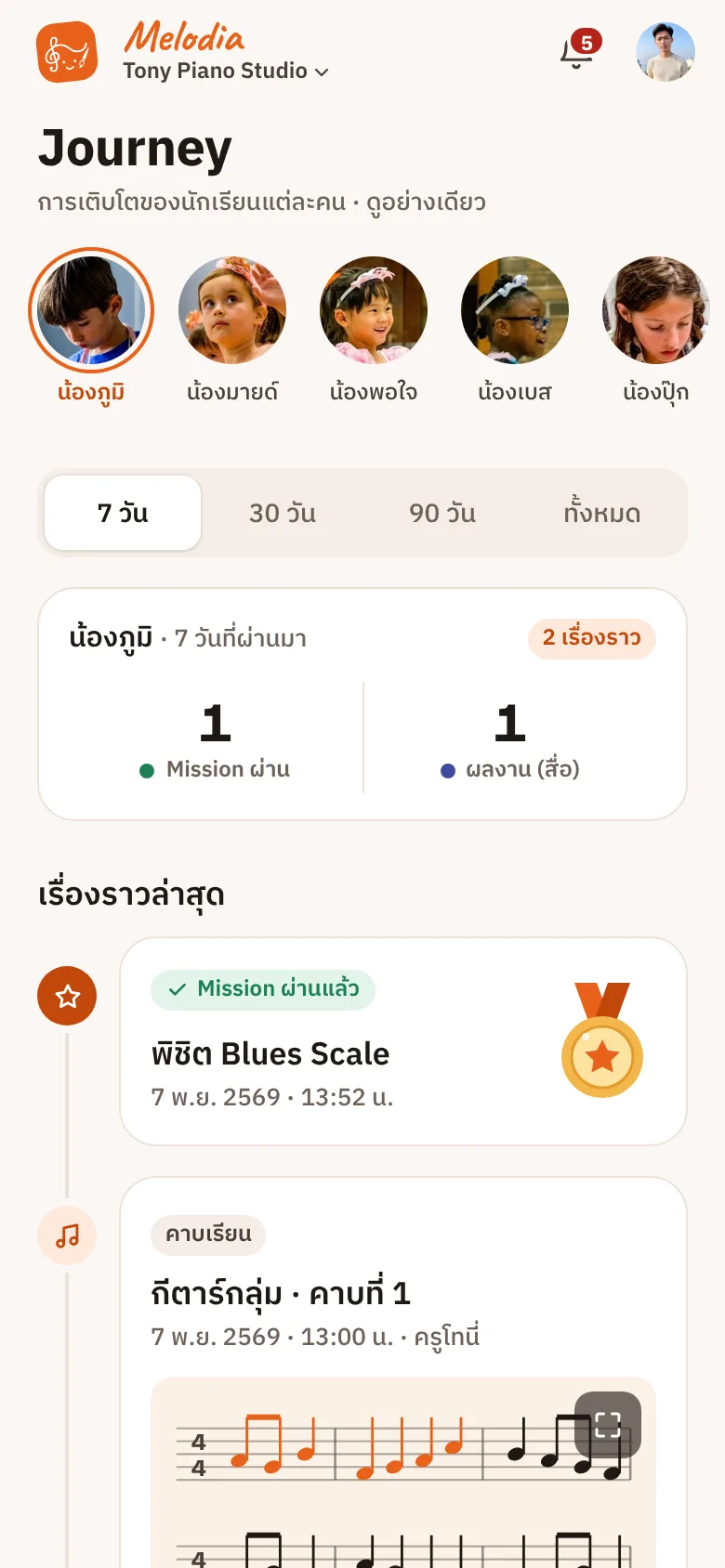
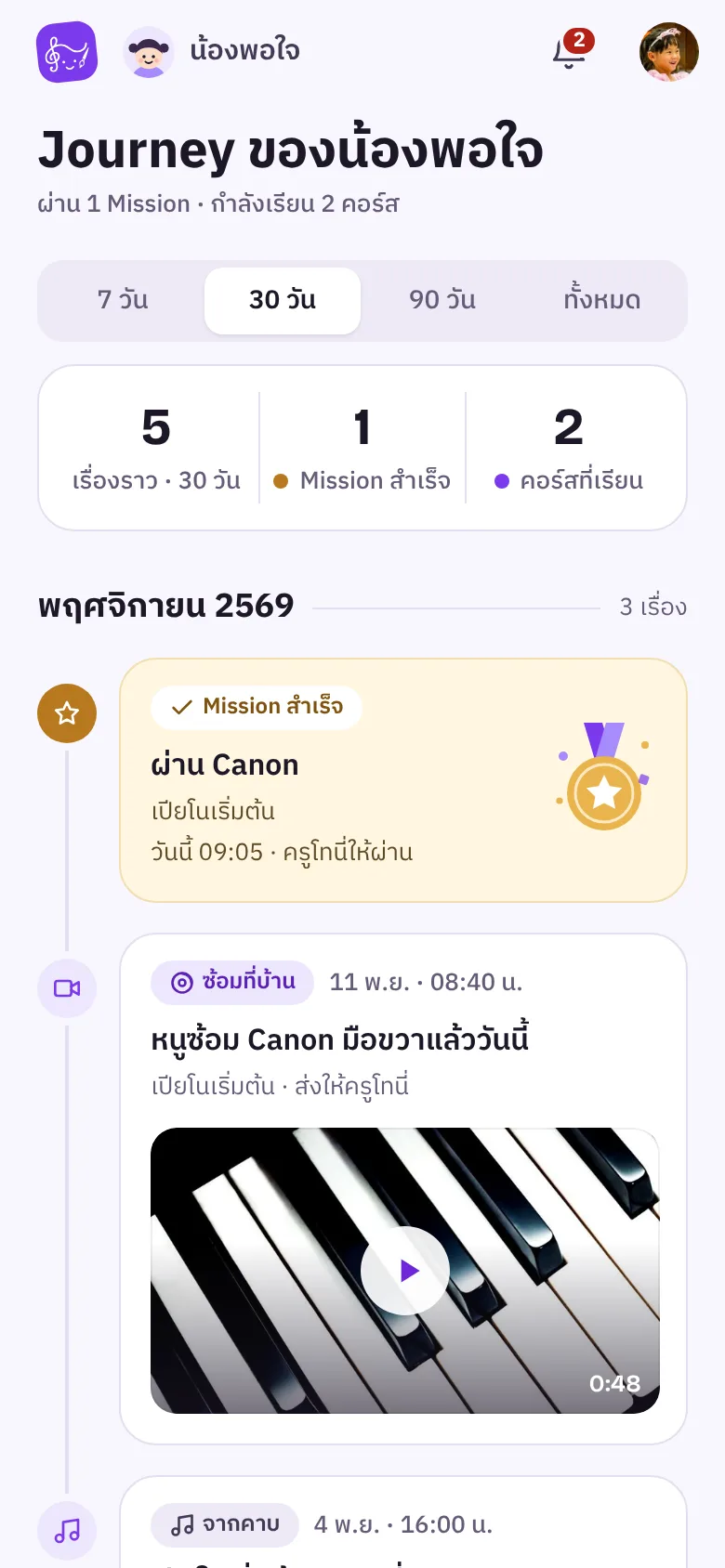
The Journey is a continuous record of learning — the first lesson, first song and first practice clip, all the way to the first time on stage. Teacher, parents and student see the same path.
What each person gets
TeacherA tidy back office
Timetable, lessons and bills in one place
StudentA space of their own
Missions, practice streaks and their own work
ParentYour child's growth
What they are learning and how far they have come
Journey
Week 1First lesson
Week 3C major scale, mastered
Week 6First practice clip from home
Week 10Four songs and counting
Week 16First time on stage
Blues Scale passedWeek 6 Mission
How it works
From opening a Course to continuing to learn
Teachers and parents each do only their part. The system carries out the rest.
TeacherParentSystem handles
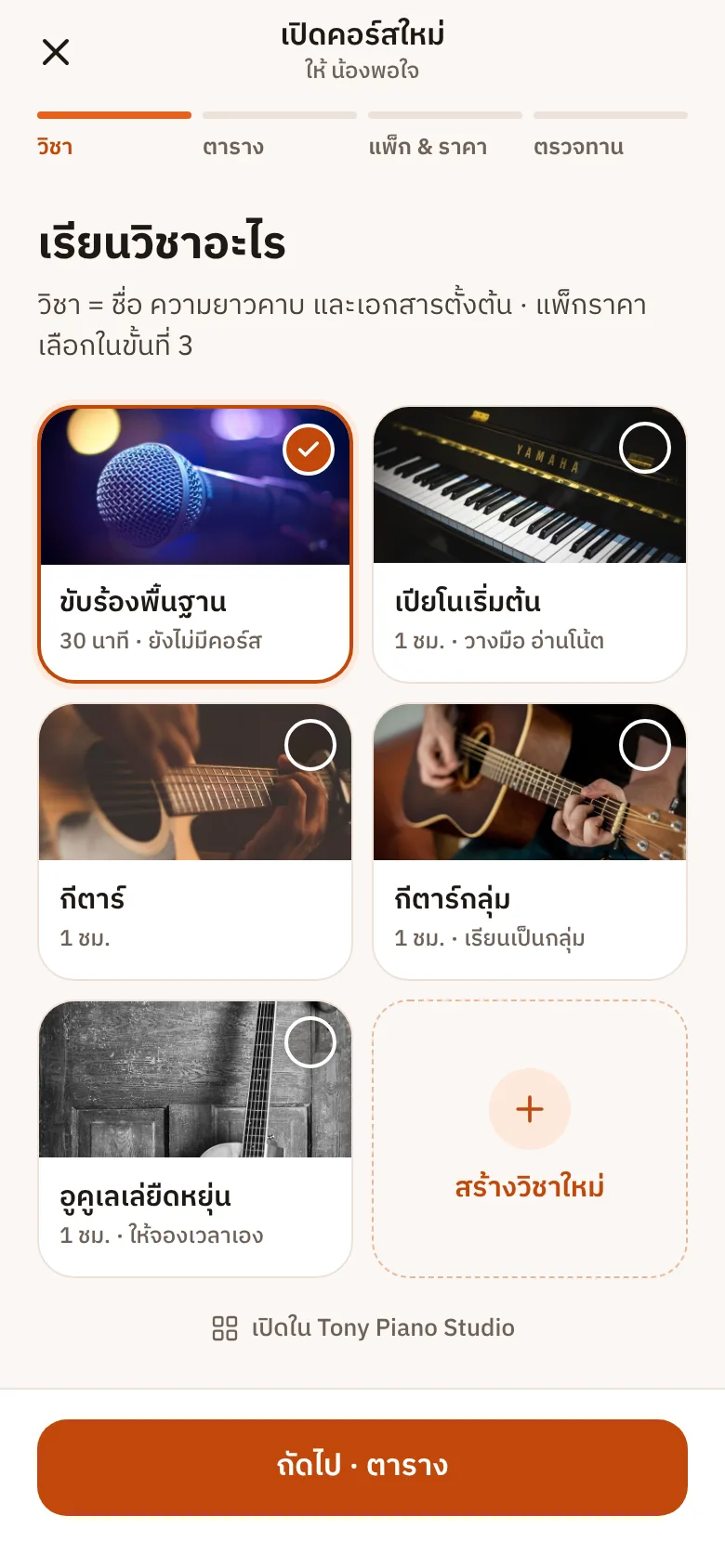
1TeacherOpen a Course
Pick a subject, time and lesson count
System handlesCreates every lesson and Mission ahead
2TeacherSend the family a link
QR or link over LINE
System handlesConnects parent and child accounts
3TeacherTeach and check in
Present, late, absent or on leave
System handlesCounts lessons, bills, notifies home
4ParentPractise at home
Record a clip, hand in a Mission
System handlesFiles it in the practice room, notifies the teacher
5ParentSee the progress
Open the Journey any time
System handlesLines up photos, clips and notes in the Journey
6ParentKeep learning
“2 lessons left — keep going?”
System handlesRenews the Course at the same price, history continues
Then a new phrase begins the learning history carries on
What we stand for
Clear about money and your data
Melodia charges studios only. Lesson fees belong to teachers, and data belongs to the studio.
No transaction fees
Parents pay lesson fees straight to the teacher. Melodia takes no cut.
Always free for parents
No cost for students and parents, and no selling on the student side.
No app to install
Opens in the browser and adds to the home screen, on iPhone and Android.
Your data stays yours
Role-based access, teacher-only private notes, export any time.
Pricing
Start free, then pick the Plan that fits your studio
Priced by studio size — not by storage, and never a cut of your lesson fees.
Every plan is free during launch — prices below apply after launch
Yes. During launch, teachers and studios get every feature at no cost. We will give notice before any billing starts, and the Free plan stays free forever.
Do parents pay anything?
No. Students and parents are always free — Melodia charges studios only.
Do I need to download an app from the App Store?
No. Melodia is a web app that opens straight from a link. Tap “Add to Home Screen” and it works like an app, with notifications, on both iPhone and Android.
Can I collect lesson fees through Melodia?
Parents still transfer or pay cash to the teacher directly. Melodia writes the bills, sends payment links and issues receipts — without taking any cut.
Can I teach at several places, or have several teachers?
Yes. A teacher can belong to several studios, and a studio can have many team teachers. Team teachers see only their own lessons and never the revenue.
How do young children without a phone use it?
A parent uses their own account on the child's behalf. When the child is older, the account is handed over, with history and Journey intact.
Is student data safe?
Access is separated by role. Teachers' private notes are visible only to teachers, studio admins do not see students' work, and studios can export their own data.
Start using Melodia your way
Teachers and studios sign up free and set up in minutes. Students and parents open the link their teacher sends.



 Piano
 Guitar
 Violin
 Voice
 Drums
 Ukulele